UPI App Essentials: How to Pay, Track and Manage Everyday Transactions
A UPI app can make everyday payments faster by allowing users to transfer money, scan QR codes, pay merchants and manage routine transactions from a mobile device. Some financial apps may also provide access to services such as an instant loan, but borrowing features should always be evaluated separately from normal payment activity.
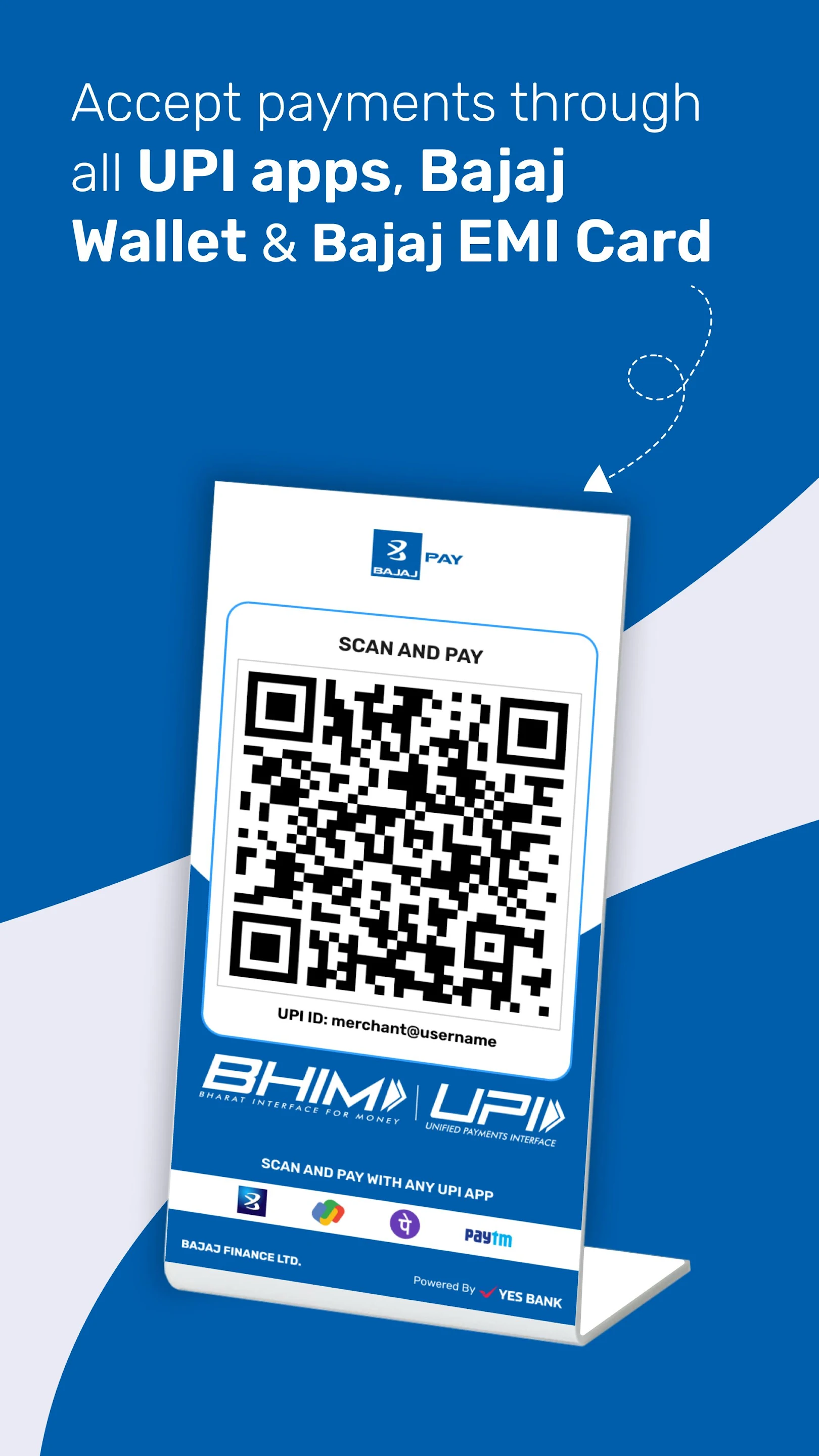
The real value of a UPI app comes from convenience combined with careful usage. Users should understand transaction limits, security practices, payment status and how to respond when a transfer is delayed or unsuccessful.
Start With the Basic UPI Functions
UPI is designed to simplify bank-to-bank payments without requiring users to enter account details for every transaction. Depending on the app and bank support, users may be able to send and receive money through a UPI ID, mobile number or QR code.
This makes UPI useful for both personal transfers and merchant payments. The process is typically quick, but users should still verify recipient details before confirming a transaction.
A few seconds of checking can help prevent avoidable payment errors.
Use QR Payments Carefully
QR codes are commonly used at shops, restaurants and other merchant locations. They can reduce the need to enter payment information manually.
Before paying, users should confirm that the merchant name shown on the screen matches the intended recipient. If anything looks unfamiliar, the transaction should not be approved until the details are checked.
A QR code should never be assumed to be correct simply because it is displayed at a payment counter.
Know the Difference Between Sending and Receiving Money
A common UPI safety principle is that receiving money usually does not require entering a UPI PIN.
Users should be cautious if someone asks them to enter a PIN to receive a refund, prize or incoming payment. The PIN is generally used to authorise outgoing transactions.
Understanding this difference can help users recognise suspicious payment requests.
Check the Amount Before Confirming
It is easy to make a payment quickly, especially when scanning a QR code. However, users should always check the amount before approving the transaction.
An extra zero or incorrect decimal can create a payment problem that may be difficult to reverse immediately. The recipient name and amount should both be verified.
This habit is simple but important for frequent UPI users.
Keep Track of Transaction Status
Not every UPI payment is completed instantly. A transaction may sometimes appear as pending because of network or banking issues.
If this happens, users should avoid immediately making the same payment again without checking the original transaction status. Duplicate payments can occur if the first transaction is eventually processed.
The transaction history should be reviewed before retrying.
Use Transaction History for Monthly Tracking
UPI apps can also help users understand how much they spend through digital payments.
Reviewing transaction history can reveal patterns in categories such as food, utilities, shopping and subscriptions. This information can support better monthly budgeting.
Digital payment records are useful only when users review them periodically rather than ignoring them.
Keep Personal and Business Payments Organised
People who use UPI for both personal and professional activity may benefit from separating the two where possible.
Mixing every transaction in one account can make expense tracking more difficult. Business owners, freelancers and professionals may find it easier to review cash flow when payment activity is organised clearly.
Better organisation can also simplify record-keeping.
Protect Your UPI PIN
The UPI PIN should be treated as confidential financial information.
Users should never share it through phone calls, messages, emails or social media. Legitimate customer-support representatives should not need the PIN to resolve a normal account query.
If anyone asks for it, the request should be treated with caution.
Avoid Unknown Payment Requests
UPI apps may allow users to receive collect requests from other users or merchants.
A collect request should be approved only when the user recognises the sender and understands why the payment is being requested. Unknown requests should not be accepted simply because they appear inside the app.
Fraud attempts can sometimes look like legitimate payment notifications.
Be Careful With Screen-Sharing Apps
Fraudsters may sometimes ask users to install screen-sharing or remote-access applications under the pretext of providing support.
This can expose sensitive information displayed on the phone. Users should avoid sharing their screen or device access with unknown individuals.
Financial transactions should be handled only through trusted and official channels.
Check Daily and Per-Transaction Limits
UPI transactions can be subject to limits that may depend on the bank, app, transaction type or applicable rules.
Users making larger payments should confirm the relevant limit before relying on UPI. If a payment exceeds the available limit, an alternative payment method may be required.
Knowing these limits in advance can prevent last-minute payment problems.
Use UPI for Routine Bills Carefully
UPI can be convenient for electricity bills, mobile recharges, subscriptions and other recurring expenses.
Before paying, users should check the biller name, amount and account details. Payment confirmations should also be retained until the bill status is updated.
This is particularly useful when multiple bills are paid in one session.
Avoid Making Payments on Public Networks
Public Wi-Fi may not always provide the same level of security as a trusted mobile or home network.
When possible, users should avoid conducting sensitive financial activity on unsecured networks. Mobile data or a trusted private connection may offer a more controlled environment.
Device security should also be kept updated.
Keep the App and Phone Updated
Software updates can include important security and stability improvements.
Users should keep both the UPI app and smartphone operating system updated. Installing apps only from official sources can further reduce exposure to malicious software.
Older software may contain vulnerabilities that have already been addressed in newer versions.
Enable Available Security Features
Smartphones and payment apps may offer additional protection through device locks, biometrics or other authentication features.
Using these features can add another layer of security if the phone is lost or accessed by someone else. Users should also ensure that notification previews do not expose sensitive information unnecessarily.
Security should be part of everyday UPI use.
Do Not Treat UPI Balance as a Budget
Easy digital payments can sometimes make spending feel less noticeable than using cash.
Users can benefit from setting a monthly spending limit and reviewing transactions regularly. Small frequent payments can accumulate into a large monthly amount.
Convenience should support budgeting rather than weaken it.
Understand Failed and Reversed Transactions
A failed transaction does not always mean money has permanently left the account. In some cases, the amount may be reversed automatically depending on the transaction status and banking process.
Users should first check the app history and bank account before raising a complaint. If the issue remains unresolved, they should use the official support or grievance process.
Keeping the transaction reference number can make follow-up easier.
Avoid Linking Too Many Unused Accounts
Some users link multiple bank accounts to one UPI app. While this can be convenient, it may also make payment selection more confusing.
Unused accounts can be removed or kept separate if they are no longer needed for UPI activity. A simpler setup can reduce the chance of paying from the wrong account.
Organisation can improve both convenience and control.
Use Payment Reminders Instead of Last-Minute Transfers
For recurring expenses, reminders can help users avoid rushing to make payments on the due date.
A simple calendar reminder can provide enough time to check the bill amount and available balance. This can reduce failed payments caused by insufficient funds or temporary technical issues.
Planning is often more useful than relying only on speed.
Conclusion
A UPI app can simplify everyday payments by combining transfers, QR payments, bill payments and transaction records in one digital experience. Its usefulness increases when users verify recipients, protect their UPI PIN, review payment status and keep spending organised.
Users who are also considering borrowing should treat that decision separately from routine payments. Before accepting any loan-related offer, they can use a personal loan calculator to estimate possible EMIs and understand whether the repayment fits comfortably within their monthly budget.