UPI App For More Controlled And Convenient Everyday Payments
A UPI app can make everyday digital transactions easier by allowing users to send money, pay merchants, settle bills, recharge services, and review transaction history through one mobile interface. Some financial platforms may also provide tools such as a loan calculator, which can help users estimate borrowing costs separately from routine payment activity.
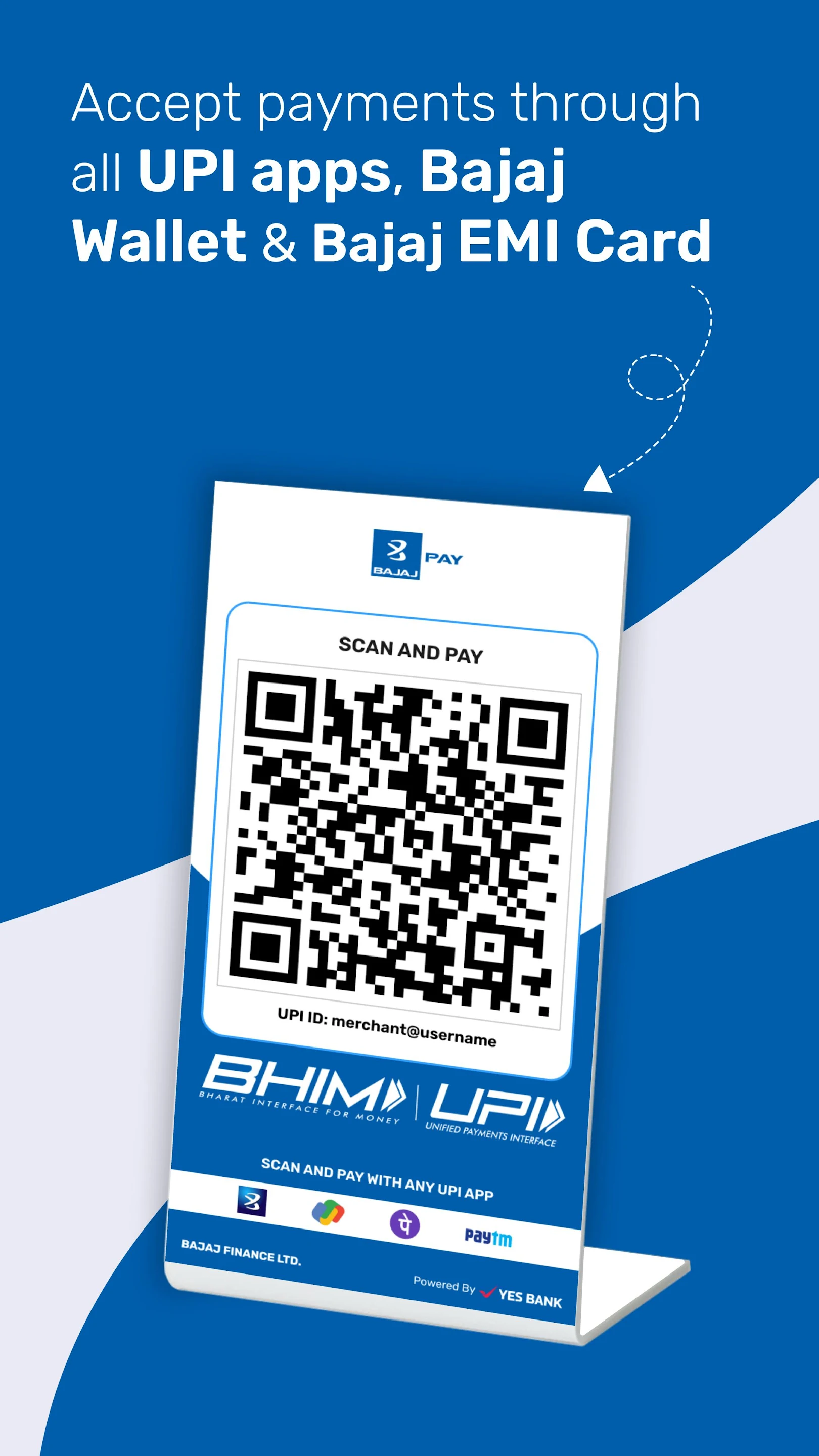
The real value of a UPI app comes from combining convenience with visibility. Users should be able to verify recipients, check payment amounts, select the correct bank account, review transaction status, and maintain a clear record of previous payments. Strong security habits are equally important because even small everyday transactions involve sensitive financial information.
Recipient Verification Should Come First
Before authorising a transaction, users should confirm who will receive the money.
Important details can include:
- Recipient name
- UPI ID
- Merchant name
- Payment amount
- Purpose of payment
This is especially important when paying a new person or merchant.
A payment sent to the wrong recipient may be difficult to reverse, so the final details should always be reviewed before entering the UPI PIN.
QR Payments Still Need Attention
QR codes can make merchant payments quick and convenient.
However, users should check the recipient details displayed after scanning the code.
The app should clearly show:
- Merchant name
- Payment amount
- Payment source
If the information looks unfamiliar or incorrect, users should stop before authorising the transaction.
A QR code simplifies data entry, but it does not remove the need for verification.
Linked Bank Accounts Should Be Selected Carefully
A user may connect more than one eligible bank account to a UPI platform.
Before completing a transaction, they should confirm which account has been selected.
This can help prevent:
- Unexpected debits
- Insufficient balance
- Use of the wrong account
- Confusion during expense tracking
Users who maintain separate accounts for household expenses, savings, or other purposes may find this especially useful.
Transaction Status Should Be Checked Immediately
After payment, the app may display the transaction as:
- Successful
- Pending
- Failed
If the recipient does not receive the amount immediately, users should avoid sending the same payment again until the original status is clear.
A pending transaction may later succeed or reverse.
Reviewing the status first can reduce duplicate payments.
Payment History Can Support Budgeting
A UPI app can provide a useful record of daily spending.
Transaction history may include:
- Date
- Merchant or recipient
- Amount
- Payment source
- Transaction status
Regular reviews can help users understand how much they spend on categories such as:
- Food
- Travel
- Recharge
- Utilities
- Shopping
Small payments can be easy to overlook individually but may become significant over a month.
Merchant Payments Should Be Confirmed Before Retrying
At a shop or service counter, a merchant may sometimes say that a transaction has not been received.
Before making another payment, users should check the original transaction.
Useful information includes:
- Payment status
- Bank debit
- Transaction reference
If the first payment is still pending, a second payment may create unnecessary duplication.
Collect Requests Need Careful Verification
Some UPI platforms support payment or collect requests.
Before approving one, users should check:
- Who sent the request
- Amount requested
- Reason for payment
Unexpected requests should not be accepted without confirmation.
Users should also remember that entering a UPI PIN generally authorises money to leave the account rather than allowing them to receive funds.
Failed Transactions Should Be Tracked
If a transaction fails after money has been debited, users should keep the payment reference.
Useful details can include:
- Transaction ID
- Amount
- Date
- Current status
These details can help when contacting official support.
Users should avoid depending only on screenshots if a formal transaction reference is available.
Refunds And Reversals Need Monitoring
A failed or cancelled transaction may lead to a reversal depending on the payment outcome.
Users should check whether the amount has returned to the original bank account.
If the expected reversal is delayed, the transaction ID should be used when raising the issue through an official support channel.
Keeping a record can make follow-up easier.
UPI Security Depends On User Habits
Users should protect sensitive credentials at all times.
These include:
- UPI PIN
- OTP
- Banking password
- Card PIN
Such information should never be shared with unknown individuals.
Someone claiming to help with a refund, payment failure, or account verification should not be given confidential authentication details.
Suspicious Links Should Be Avoided
Fraudulent messages may claim that:
- A refund is pending
- A payment has failed
- An account must be updated
- KYC needs immediate action
Instead of following an unfamiliar link, users should open the official app directly.
This can reduce the risk of entering personal or banking information on a fraudulent page.
Saved Recipients Should Be Reviewed Periodically
Saving frequent contacts can make repeat payments easier.
However, users should periodically check saved details.
Updates may be necessary if:
- A phone number changes
- A payment ID becomes inactive
- A merchant changes payment information
Removing outdated recipients can reduce payment errors.
Recurring Payments Should Remain Visible
UPI may support recurring payment arrangements for eligible services.
These can be useful for:
- Subscriptions
- Utilities
- Other regular payments
Users should periodically review active mandates.
They should confirm that the service is still needed and the amount remains appropriate.
Automatic payments should reduce effort without reducing financial awareness.
Offers Should Not Drive Unnecessary Spending
Digital payment platforms may display cashback, coupons, or rewards.
These can add value when the transaction was already planned.
However, users should avoid spending more simply to unlock a promotion.
The underlying purchase should always make financial sense even without the offer.
UPI Is A Payment Method, Not A Spending Strategy
upi can make everyday transactions easier, but the convenience of digital payments should still operate within a personal budget.
Fast payments can make spending feel less visible than cash, so regular transaction reviews remain important. Users should track how frequently they pay and how those small transactions affect total monthly expenditure.
Conclusion
A UPI app can simplify everyday payments by combining transfers, merchant transactions, bill settlement, recharge, and payment history in one digital environment.
Users should verify recipients, amounts, linked bank accounts, transaction status, and recurring mandates before and after payments. Failed transactions, refunds, suspicious requests, and unfamiliar links also require careful attention.
The most effective use of a UPI app combines convenience with strong security, accurate payment records, and disciplined everyday spending.